Google Drive Review: Convenience Is the Engine of Google’s Ecosystem

The most important thing about Google Drive is not that it stores files. It is that it makes Google’s services feel like one continuous workspace, whether you are opening a document from an email, sharing a folder from your phone, or finding a photo on a laptop. After using it as a mobile file manager rather than treating it as a passive cloud locker, I came away with a clear view: Drive’s real product is convenience, and its real power is the ecosystem that convenience keeps within reach.
A file app with a much larger job
On a phone, the practical appeal is immediate. The home screen presents recent files, suggested documents, and shortcuts to folders, while search can rescue a file whose location you have forgotten. Uploading a scan, sharing a link, or checking a spreadsheet does not require a desktop detour. The interface is familiar enough that most people can get useful work done without learning a new system.

Google Drive
Google LLC4.3Productivity
See More Apps Related to Google Drive


But a cloud drive is also a strategic position. It sits between the user and the things they create, receive, and share. Google Drive can serve as a destination for files from other apps, a launch point for Docs and Sheets, and a bridge between Android and the web. That makes it more consequential than a storage meter suggests. Google is not only competing to keep files; it is competing to become the default place where files make sense.
The company power behind the folder
Google’s advantage is not simply the size of its servers. It has control over a broad set of services that feed naturally into Drive: Gmail attachments, Google Docs, shared calendars, Android devices, and browser-based work. Each service can create a reason to open another. A document created in Docs can be found in Drive; a file received in Gmail can be saved there; a link can then be shared with someone who may use Google’s tools to open it.
That loop is powerful because it feels like ordinary housekeeping, not a sales pitch. Users rarely decide, in one dramatic moment, to commit their work to an ecosystem. They accumulate small decisions: save this file, open that link, edit this document, invite a colleague. The company gains a durable position through repetition. Convenience is the mechanism; ecosystem dependence is the outcome.
It is worth separating that influence from a claim that every user is locked in. Files can be downloaded, shared externally, and moved elsewhere. Still, the more work relies on shared permissions, live collaboration, and linked Google services, the more effort it takes to reproduce the same setup outside Google’s orbit.
How Drive connects the ecosystem
Drive’s strongest role is as connective tissue. Google Docs is where many people write, while Drive is where those documents are organized, discovered, and handed to other people. Google Keep handles quick notes and lists with less ceremony; it is a capture tool, not a substitute for a well-managed file library. The distinction matters: Drive is not the best place to jot down a grocery reminder, but it is a natural home for a project folder containing drafts, scans, and spreadsheets.
Worth Reading Next

Google Maps Go Review: Quick to Orient, Harder to Recover

F-Secure Mobile Security Makes Everyday Phone Protection Practical
More From Our News Desk
View All


On mobile, those boundaries blur in useful ways. A user can open a document from Drive, make a small edit in Docs, and return to the folder without thinking about which service owns the task. The app’s value comes partly from hiding the plumbing. That smooth handoff is a genuine design success, although it also makes Google’s separate products feel less optional than their individual icons imply.
Microsoft Word remains a more familiar choice for people whose work depends on Microsoft’s document formats and desktop conventions. Drive can store and surface those files, but its center of gravity is Google’s own collaboration model. Samsung Email, meanwhile, may be the inbox where a work attachment first arrives; Drive becomes the next stop when that file needs a lasting home or a shareable link. These contrasts show Drive’s reach: it does not need to replace every app if it can own the transition between them.
Distribution is part of the product
Google benefits from enormous distribution. Android users may encounter Drive during device setup or through preinstalled Google services, while Gmail and Docs repeatedly point toward it. The app is also available on iOS, where it competes for a place among tools users may already rely on. In either case, a person can move from an email attachment to cloud storage without first researching file-management options.
That head start is a strategic advantage, not proof that the app is automatically best for everyone. A preinstalled or familiar service gets more chances to become a habit. Each extra chance reduces friction for Google and raises the cost of choosing an alternative, because switching means more than installing another app: users may need to move folders, recreate sharing arrangements, and retrain collaborators.
Drive’s distribution also depends on compatibility. Links are easy to send, and recipients can often view or edit shared material in a browser. That helps a file travel beyond the Google customer’s own device. The app becomes useful to the person who sent the link and tolerable to the person receiving it, which is a quiet but effective way to extend a platform.
The habits Drive encourages
Drive makes returning feel worthwhile by putting recent work near the top and offering search when browsing becomes tedious. Those choices suit the way people use phones: in short sessions, between other tasks, often with only a vague memory of a file’s name. Instead of demanding careful folder discipline, the app lets recency and search cover for imperfect organization.
That is both humane and a little risky. Suggestions shorten the route to a current project, but they can make the app feel like a feed of whatever Google expects you to need. Folders and labels still matter when a library grows, yet the interface’s emphasis on recent activity can encourage users to defer deeper organization. For a few scattered documents, this is fine. For years of shared work, it can turn a tidy-looking front page into a thin layer over a messy archive.
Notifications and sharing prompts can also draw people back, though they are not the core pleasure of the app. The stickiness comes from dependence on active work: a collaborator changes a file, a link arrives, or a deadline makes the latest version suddenly important. Drive is less a destination for browsing than a utility people revisit because their work passes through it.
What this means on a phone
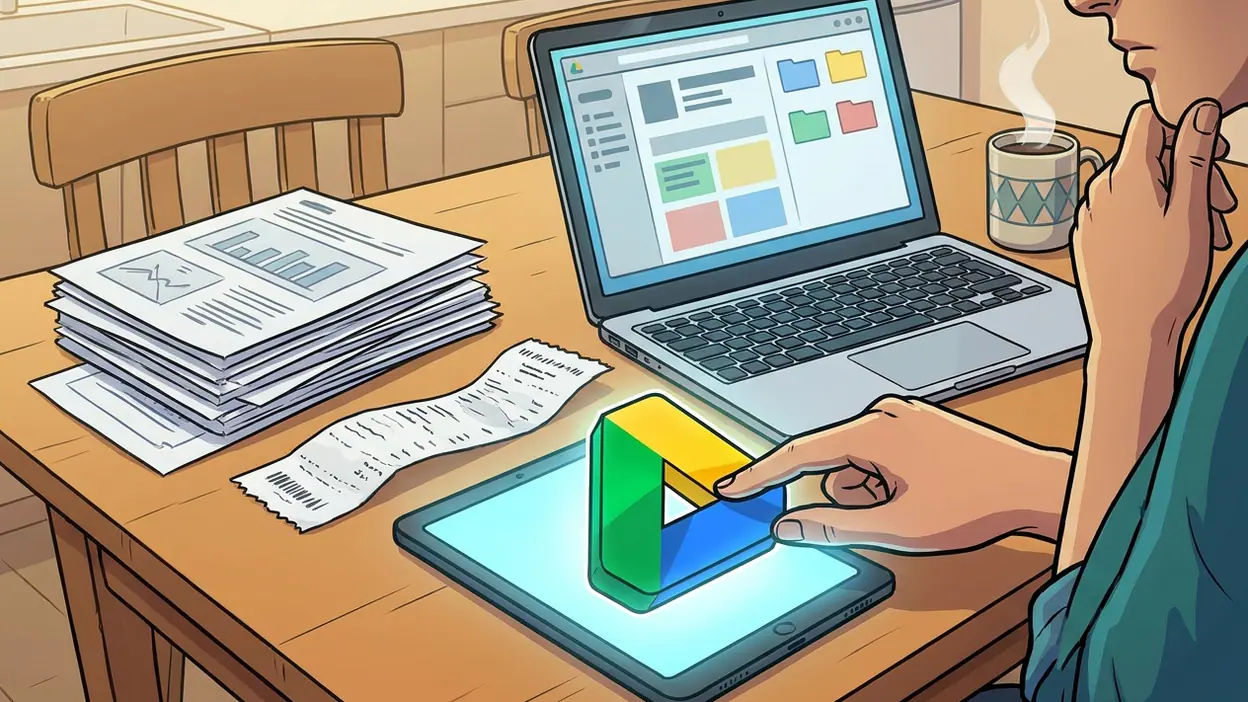
Mobile Drive is at its best when the task is brief and concrete. I can locate a recent file, preview it, send a link, or upload something from the device without rebuilding a desktop workflow. Scanning and uploading paper is especially practical: a receipt or signed page can become a file in the right place while the task is still in front of me. The app is good at turning a phone into a doorway to work stored elsewhere.
It is less convincing as a full command center for large projects. Small screens make complex folder structures harder to inspect, and selecting the right item from a crowded list can take patience. Editing belongs more naturally in Docs or another suitable editor, while Drive handles finding and moving the material. That separation is sensible, but it means the app’s promise of an all-in-one workspace has a mobile limit: the phone is excellent for access and coordination, less so for sustained, intricate file management.
Search is a major relief, but it cannot fix every naming habit or permission problem. A file may be easy to find and still be unavailable to the person who needs it. Shared ownership, link access, and account choice can confuse people who use personal and work Google accounts on the same device. Drive’s convenience depends on users understanding who can see what, and the interface does not make every consequence equally obvious.
How rivals answer
Rivals generally respond by leaning into different strengths. Microsoft emphasizes Office compatibility and workflows that begin in Word or other Microsoft products. Apple’s cloud services appeal to people who want storage closely integrated with its devices. Dropbox has long sold a straightforward file-syncing identity. None of those comparisons erases Drive’s particular advantage: Google can connect storage to widely used email, browser, document, and mobile services at once.
The competitive pressure is useful. It gives users reasons to keep files in formats and services they can carry elsewhere, and it reminds Google that access and reliability matter as much as ecosystem reach. Yet Drive’s main competition is not always another storage app. Often it is the friction of moving a task out of the Google environment. If the shared document already opens, the collaborators already have access, and the link is already in the group chat, the alternative has to be meaningfully better to win.
Who gains, and who gives up leverage
Users benefit most when they need low-friction access across devices or want to collaborate without coordinating a chain of attachments. Drive reduces duplicate copies and makes it easier to share one working version. Students, families, freelancers, and teams with mixed devices can all get practical value from that arrangement, especially when their work already touches Gmail or Docs.
The trade-off is not simply privacy versus convenience; it is also leverage. A user who depends on a platform’s storage, identity, links, and collaboration rules has less bargaining power when those rules or product boundaries change. Google controls the service, the interface, and the conditions under which the ecosystem works. People can leave, but the more connections they have built, the more planning departure demands.
There are ordinary limits, too: storage is finite, account confusion is real, and a cloud library is not a complete backup strategy if the only copy of important work lives there. Drive’s sharing strength can become a liability when users misunderstand permissions or send the wrong link. The app helps manage files; it cannot replace sound judgment about sensitive information, ownership, and independent backups.
My verdict is that Google Drive earns its place on a phone because it makes access and collaboration unusually easy, not because its mobile file management is flawless. Its interface can feel crowded, its best workflows often rely on other Google apps, and its ecosystem advantage gives the company more control than a storage utility appears to have. For people already working with Google, that bargain is often worth it. Just remember what the app really is: a very capable file hub, and one of Google’s most effective ways to make its wider platform feel like the natural place to work.