Gboard Wins on Everyday Speed, but Device-Specific Keyboards Have Their Place

A keyboard is easy to ignore until it slows down a message, mangles a name, or makes you reach across a large screen with one thumb. That is where Gboard - the Google Keyboard makes its case: it is not the most specialized keyboard on every phone, but it is the strongest all-purpose choice for people who write across apps and want less friction at each tap. Against Google’s other utilities and Samsung’s device-transfer tool, the comparison is not really about matching features. It is about whether a tool earns a place in everyday use.
What Gboard is up against
The rivals here do very different jobs. The Google app is a front door to web search, news, and Google services. Google Lens interprets what the camera sees, from a product label to a sign. Files by Google helps find, organize, and clear storage. Samsung Smart Switch Mobile moves data between devices, especially during a Galaxy setup. None is a direct replacement for a keyboard, and pretending otherwise would make for a silly contest.

Gboard - the Google Keyboard
Google LLC4.5Tools
See More Apps Related to Gboard - the Google Keyboard


The useful comparison is about reach and frequency. You might open Lens for a particular question or Smart Switch once when changing phones; Gboard appears whenever you type in a chat, search box, note, or form. The Google app can put search at the center of a task, but Gboard puts its tools inside the task already underway. That difference in placement is its most important competitive advantage.
Where Gboard wins immediately
Gboard’s first win is consistency. Its layout is familiar, its suggestions sit close to the text, and its settings give you practical control over things such as key borders, number rows, languages, and one-handed use. Features and their availability can vary by Android version, device, language, and region, but the core keyboard remains easy to understand without a tour. You can install it, set it as your default, and get on with typing.
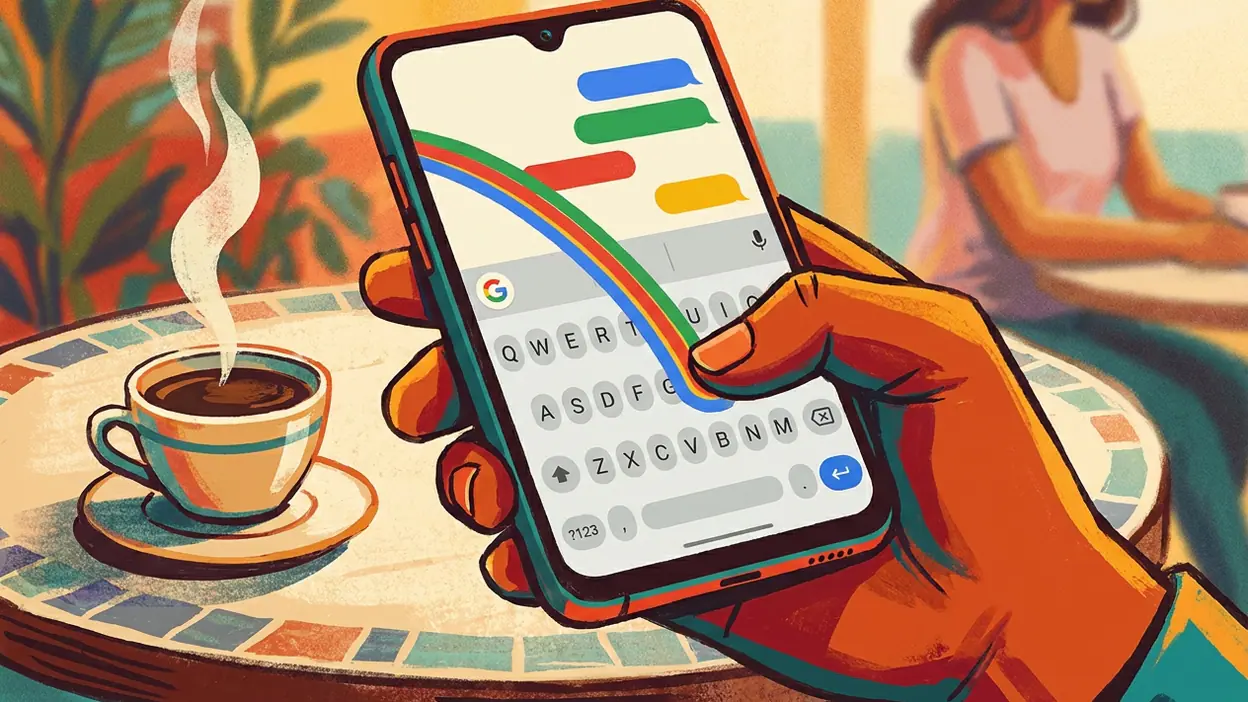
Glide typing is a useful example of the app’s low-friction design. Instead of tapping each letter, drag a finger through a word and let Gboard estimate what you meant. It is not infallible, especially with unusual names or a sentence that mixes languages, but it works well for quick messages when one hand is busy. The suggestion strip can correct a near miss before you stop to inspect every character.
Editing is another quiet strength. Holding the space bar can turn the keyboard into a cursor-control surface, which is a more comfortable way to move through a typo than repeatedly stabbing at the exact spot on a small screen. Clipboard access can also help with recent copied text, though the available controls and retention behavior depend on the current app version and settings. These are not headline features. They are the sort that save a few seconds several times a day.
Then there is search and sharing. Gboard can surface emoji, GIFs, stickers, and other content from its keyboard interface, with availability shaped by the services and settings on the device. That can spare you a hop out of a conversation and back again. It does not replace the full Google app or Google Lens, but it makes sense of the moment: the person is already typing, so the keyboard offers a way to find something relevant without turning a simple reply into a separate browsing session.
Worth Reading Next

Google Maps Go Review: Quick to Orient, Harder to Recover

F-Secure Mobile Security Makes Everyday Phone Protection Practical
More From Our News Desk
View All


The real advantage is proximity: useful tools appear at the point where you need to communicate.
Where rivals stay stronger
Gboard’s breadth has a cost: it cannot be the best tool for every job it brushes against. The Google app is better for open-ended discovery, with room to browse results and move among Google services. Lens is plainly better when the input is an image rather than a sentence. If you want to identify an object, read text through the camera, or investigate something in front of you, a keyboard’s search shortcut is the wrong instrument.
Files by Google is stronger at file management because that is its whole purpose. It gives storage and downloads a dedicated home instead of squeezing those needs into a typing interface. And Smart Switch is the obvious choice for moving information during a phone change; Gboard has no meaningful answer to a transfer workflow. These are not shortcomings that make Gboard poor. They are reminders that a keyboard should be judged on its own ground: writing, editing, and inserting content.
On Samsung phones, the built-in Samsung Keyboard may also feel more at home to people who rely on Samsung-specific features or prefer a closer fit with the device’s interface. The exact comparison varies by model and software version. Gboard is a sensible cross-device default, but a phone’s preinstalled keyboard can have conveniences that are difficult to judge from a feature checklist alone. If a Samsung owner already types comfortably and uses the keyboard’s integrations, switching just for a different brand name is not an upgrade.
Daily-use differences that matter
The best way to understand Gboard is to notice how often a keyboard interrupts you. A misplaced cursor, a hard-to-reach number, or a hunt for a symbol is a tiny annoyance. Repeated across a day of messages and searches, those little pauses add up. Gboard tackles that layer of friction with familiar controls, prediction, voice typing on supported devices, and options such as a one-handed layout. The benefit is less about typing at a spectacular speed than keeping your attention on what you meant to say.
Its multilingual support matters for the same reason. People who switch between languages need more than a keyboard that can display two alphabets; they need suggestions that keep pace with the change. Gboard supports many languages and layouts, but the quality of prediction is not identical across them. A common language combination may feel effortless, while a less-supported language or a stream of proper names can produce more corrections. It is worth trying your actual writing habits rather than assuming every language works equally well.
Privacy deserves a measured look. A keyboard handles what you type, so it is reasonable to ask what is processed and what settings apply. Gboard has options and explanations in its settings, while features that use online services may involve different data handling from basic local typing. Read the current privacy controls and make choices that suit you; do not treat any keyboard’s branding as a substitute for checking. People with particularly sensitive typing needs may prefer fewer connected features or a keyboard whose data practices they have reviewed closely.
Speed, usability, and the gap
In ordinary use, Gboard feels quick because it keeps common actions close: suggestions above the keys, punctuation within reach, and a reasonably direct route to emoji or clipboard content. That is a practical speed advantage, not a claim that it will make every person type faster. Prediction helps most when your vocabulary is ordinary and your thumb rhythm is steady. It helps less with technical language, uncommon names, and messages that change direction halfway through a sentence.
The usability gap between Gboard and the other apps is mostly a mismatch of purpose. The Google app can answer a broader question, but it asks you to enter a search flow. Lens can interpret a scene, but first you need to point a camera. Files can take action on documents, but it is not built to help you phrase a reply. Gboard is faster for those moments when the task begins with words. Its edge disappears as soon as the task is no longer typing.
There is also a real learning curve hidden beneath the approachable layout. Gboard has enough settings, gestures, and content controls that a new user may never find the feature that would help most. The keyboard works without customization, but getting the best fit can mean spending a few minutes changing height, layout, or language preferences. That is a fair trade for flexibility, though the app could make its most useful adjustments easier to discover.
Who should choose each option
Choose Gboard if you move between Android phones or use a mix of Google and non-Google apps, and want one keyboard that behaves predictably across them. It suits people who regularly switch languages, use glide typing, want convenient editing, or share quick media from inside chats. It is also a good starting point if the preinstalled keyboard feels cluttered or awkward and you want a familiar alternative without committing to a specialist tool.
Choose Samsung Keyboard if its device-specific integration and layout already suit your habits, particularly on a Galaxy phone. Choose the Google app when the goal is broad web discovery, Lens when you need to understand something through the camera, Files by Google when you need to manage storage or documents, and Smart Switch when you are transferring data to a new device. Those choices are not competing votes against Gboard. They are the right tools for separate jobs.
That distinction is useful when deciding whether to change anything at all. A keyboard that feels natural is valuable, and the small gains from switching may not outweigh relearning your layout. If your current keyboard misses words, makes editing awkward, or lacks the controls you want, Gboard is worth a serious trial. If it already does the basics without bothering you, there is no need to turn keyboard choice into a project.
The surprising trade-off and the verdict
Gboard’s surprising weakness comes from its greatest strength: it is always there. A feature offered beside the keys can make a conversation easier, but it can also add buttons and decisions to a surface that should stay focused. GIFs, stickers, translation, and search-related tools are welcome when they solve a real need; they are clutter when you only want to type. Fortunately, many parts of the experience can be adjusted, but the balance between useful extras and a clean keyboard is personal.
Its value is strongest precisely because it is a free, general-purpose tool that can replace a default keyboard without asking you to reorganize your phone. That is a better reason to choose it than any single trick. Gboard cannot manage files, interpret a camera view, or move your old data to a new phone. It can make the most repeated action on a phone feel a little less fiddly, and that improvement follows you into nearly every app where you write.
Gboard - the Google Keyboard is my recommendation for most people who want a capable, adaptable keyboard across everyday apps. It wins on reach, editing, and the convenience of keeping communication tools close to the text. It loses whenever the job calls for a dedicated search, camera, file, or transfer app, and Samsung users may have good reasons to keep their built-in option. If your keyboard is currently a source of small daily frustrations, try Gboard. If it is already invisible in the best possible way, keep typing.