Google Assistant Shows What Everyday Productivity Demands Now

The revealing thing about Google Assistant is no longer that a phone can answer a question aloud. It is how quickly that trick stops feeling impressive. Ask for a timer while cooking, a route while heading out, or a reminder with your hands full, and the value is immediate; ask for a complicated task that crosses apps, and the limits arrive just as quickly. That gap captures the state of mobile productivity: users expect software to understand intent and take action, not merely wait for exact commands, but they still need reliability more than theatrical intelligence.
As a category, productivity software is moving from places where we store work toward systems that help us move through it. Google Assistant makes that shift unusually easy to see because its promise is direct: say what you need in ordinary language, then get on with your day. It is less a complete productivity suite than a test of whether a phone can become a useful intermediary between a person and the services they already use.

Google Assistant
Google LLC3.9Productivity
See More Apps Related to Google Assistant


The new baseline is action, not access
For years, the baseline for a productivity app was straightforward. It had to save information, sync it reliably, and make it available on the device in front of you. Google Drive and Microsoft OneDrive still earn their place through that dependable groundwork: files should be easy to find, available across devices, and safe from accidental disappearance. Google Docs adds a further expectation, letting people create and revise work without treating a computer as the only serious workspace.
Those expectations have not gone away. They have become table stakes. A modern mobile tool is also expected to reduce the steps between intention and completion. Google Calendar is a useful example: a meeting entry is not valuable because it exists in a colorful grid; it matters because the time, people, and reminders are clear enough to shape the day. Assistant pushes the same question further. Can the user state a need once, in familiar language, and have the device do something useful with it?
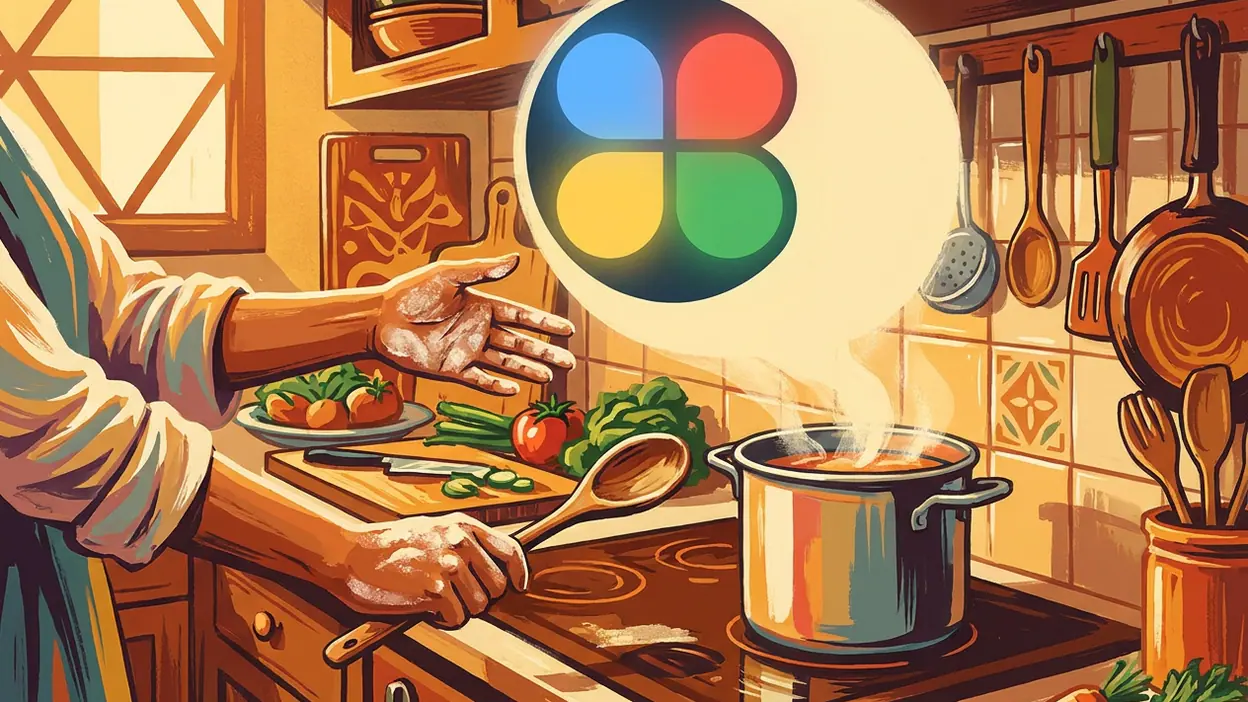
In ordinary use, the answer is often yes for small, well-bounded jobs. Timers, alarms, quick reminders, calls, weather checks, navigation requests, and simple questions suit the assistant’s conversational front door. The payoff is not that speaking is always faster than tapping. It is that speech remains available when tapping is awkward: while carrying groceries, standing in a kitchen, or getting ready to leave. That context-sensitive convenience is the category’s current baseline, not a novelty feature.
What Assistant gets right, and what it exposes
The strongest signal in Google Assistant is its low-friction relationship with the moment. A command can begin without the user opening a dedicated workspace, choosing a document, or deciding which app owns the task. The assistant is most persuasive when the request has a clear result and a short path to it. Set a timer, turn on a supported device, or ask for directions, and the interaction can feel less like operating software than delegating a small chore.
That is a meaningful design convention, and Assistant follows it well: fast entry, a brief exchange, visible or audible confirmation, then a return to whatever the person was doing. The best productivity tools do not demand attention simply to prove they are working. A reminder that appears at the right time is better than a clever conversation about remembering. A timer that starts is better than a warm voice that keeps asking follow-up questions.
Worth Reading Next

Zoom Workplace Wants to Own Your Whole Workday, Not Just Your Meetings

My Talking Tom’s Daily Ritual: Can a Viral Pet Loop Last?

Piano Music Go Turns Quick Breaks Into a Test of Rhythm and Precision
How to Use Yelp to Find Better Places With Less Scrolling

Temu Turns Bargain Hunting Into a Daily Habit
More From Our News Desk
View All


It also follows the familiar platform bargain. The assistant becomes more useful when connected to compatible services, devices, personal settings, and permissions. Google’s own ecosystem gives it a natural home, while supported smart-home products extend its reach beyond the phone. But integration is not magic: availability varies by device, region, account configuration, and service support. Users can encounter a capable assistant in one context and a much narrower one in another.
The convention Assistant challenges is the idea that productivity must begin inside the app that will complete the work. A traditional workflow asks a user to open Calendar, find a date, and create an event. A conversational interface suggests that the request itself should be enough to begin. This is a powerful change in emphasis, from finding the right screen to expressing the intended outcome. It also changes what counts as good design: the app matters, but so does the handoff between the person, the operating system, and the service behind the action.
Yet Assistant does not erase the need for those apps. A voice request may help create or retrieve something, but a calendar still needs a useful overview; a document still needs careful editing; a drive still needs folders, search, and sharing controls. Conversation can shorten the entrance to a task, but it is a poor substitute for a workspace when the task becomes detailed. That distinction is easy to miss in predictions about assistants. The most useful future is not one voice interface replacing every app. It is a voice interface that gets people into the right work with less ceremony.
Peers point toward a more connected standard
Google’s neighboring products show why the next standard cannot be judged by conversation alone. Drive and OneDrive are built around durable access and collaboration. Calendar turns time into a shared structure. Docs gives users a surface for making something, not just requesting it. Taken together, these tools make a broader promise: productivity should travel with the user, preserve context, and support both quick actions and sustained work.
Google Assistant’s role is to connect the edges of that promise. It can help with the small transitions that otherwise generate friction: checking something, setting something, starting a route, or issuing a simple device command. But there is a visible seam between asking and doing. A spoken request may be understood in principle yet fail because the relevant service is unavailable, the phrasing is ambiguous, or the task needs details that are awkward to provide aloud. The more personal and consequential the action, the more important it becomes to show what will happen before it happens.
Google Gemini sharpens this contrast. The rise of more capable conversational AI has raised expectations beyond fixed commands and short factual answers. People increasingly want a system that can interpret context, work through a less formal request, and help with multi-step thinking. That does not mean every assistant task needs a long AI exchange. For basic controls, the old virtues of speed and predictability still matter more. The emerging challenge is to combine a conversational system’s flexibility with the dependable execution users expect from a timer, calendar, or file service.
That combination is the emerging standard: intent recognition backed by trustworthy execution. Users should not have to learn a command language, but they should be able to see what a request will change, correct a misunderstanding, and know whether the task actually completed. The system should also understand when to stop. A crisp confirmation is often more useful than an elaborate answer, and a clear handoff to Calendar or Docs can be better than pretending a conversation is the entire workflow.
The lag is still about trust and continuity
Mobile productivity continues to lag in three related areas: context, consistency, and control. Context is hard because a request that sounds obvious to a person may be underspecified to software. “Remind me later” needs a useful interpretation; “add it to my calendar” needs the right date, time, and event details. Consistency is hard because the same request can behave differently depending on the device, account, connection, and services involved. Control is hard because convenience asks users to grant access to personal information and connected devices.
Assistant makes these tensions concrete. Voice can remove friction, but it can also make errors less visible than a form with fields the user can inspect. A wrong event time or misunderstood name is not merely an awkward exchange; it can create a real inconvenience. People need clear confirmation for consequential actions, straightforward ways to correct mistakes, and settings they can understand without becoming system administrators.
There is also a social limit to the voice-first ideal. Speaking to a phone is convenient in a private kitchen and less appealing in a quiet office, on public transport, or beside someone who is sleeping. Speech recognition does not make typing obsolete, just as quick commands do not replace the careful work of writing or planning. A good productivity system should let people move between voice, touch, and a full workspace without treating one mode as the universal answer.
For users, the consequence is a higher bar for every app in the stack. People are less willing to tolerate busywork simply because a task lives in a separate product. They expect files, schedules, notes, and controls to cooperate, while remaining understandable when something goes wrong. At the same time, convenience cannot be the only measure: a tool that acts quickly but unpredictably shifts the burden from doing work to checking the software.
A future measured by fewer corrections
The category is advancing, but not toward a single all-knowing app. It is moving toward a layered experience: reliable storage and editing underneath, clear planning tools alongside, and a conversational layer that can route simple intentions to the right place. Google Assistant is an instructive product because it has spent years making that front door feel familiar, while also showing how much depends on integrations and well-defined tasks.
Its best moments remain modest, and that is a compliment. A timer that starts while hands are busy, a reminder captured before it slips away, or directions requested without stopping to search a menu can make a phone feel genuinely useful. Its weaker moments arrive when the request crosses too many boundaries or the assistant cannot make its limits clear. The product is not a replacement for Calendar, Drive, Docs, or a thoughtful human plan. It is a test of how much needless navigation those tools can spare us.
The next chapter of mobile productivity should be judged less by how human an assistant sounds and more by how rarely users have to repeat themselves, repair mistakes, or wonder what happened. Google Assistant points toward that standard without fully meeting it. The category’s real progress will come when natural language becomes a dependable way to start work, while users retain the visibility and control that make the work worth trusting.