How to Use Yelp to Find Better Places With Less Scrolling

Yelp is easiest to dismiss when you use it only after you are already hungry: type “lunch,” glance at the stars, and pick the nearest result. That routine leaves most of the app’s value untouched. Used with a little structure, Yelp: Food, Delivery & Reviews becomes a practical local-research tool: it helps you narrow a neighborhood, compare the details that matter, save possibilities, and turn a vague plan into a reservation, pickup order, or visit. The trick is not trusting every rating. It is learning how to ask the app better questions.
Its greatest strength is the texture around a place. A map shows where a restaurant sits; Yelp can help you judge whether it suits a birthday dinner, a quick solo meal, or a group that needs outdoor seating. That judgment is useful, but it takes more than sorting by stars. A few deliberate habits make the difference between a noisy directory and a dependable shortlist.

Yelp: Food, Delivery & Reviews
Yelp, Inc4.6Food & Drink
See More Apps Related to Yelp: Food, Delivery & Reviews


Use Yelp as a decision tool, not a star counter
Why most people barely use it well
The default search is broad, and broad searches invite lazy comparisons. A four-star restaurant and a three-and-a-half-star restaurant may serve entirely different needs, while a high average can conceal recent complaints about long waits or inconsistent service. Reviews also reflect personal expectations: one diner’s “too loud” may be another’s lively room. If you stop at the score, you miss the information that makes Yelp useful.
Start with the job you need done. Search for the cuisine or type of place, then add a practical constraint such as a neighborhood, price range, or service. Open the businesses that look plausible and scan recent reviews for recurring details, not isolated praise or outrage. Look for patterns about wait times, portion sizes, noise, staff, and whether a restaurant handles the thing you care about. Yelp is strongest when it helps you compare evidence, not when it pretends to deliver a single objective winner.
The fastest immediate win
Use filters before you scroll. Set the area and price level, then narrow by the need that could actually rule a place out: delivery, takeout, reservations, outdoor seating, or another available option. The exact filter set depends on location and what a business has enabled, so do not assume every listing supports every service. Still, applying one or two real constraints can remove a large chunk of irrelevant results before you start reading.
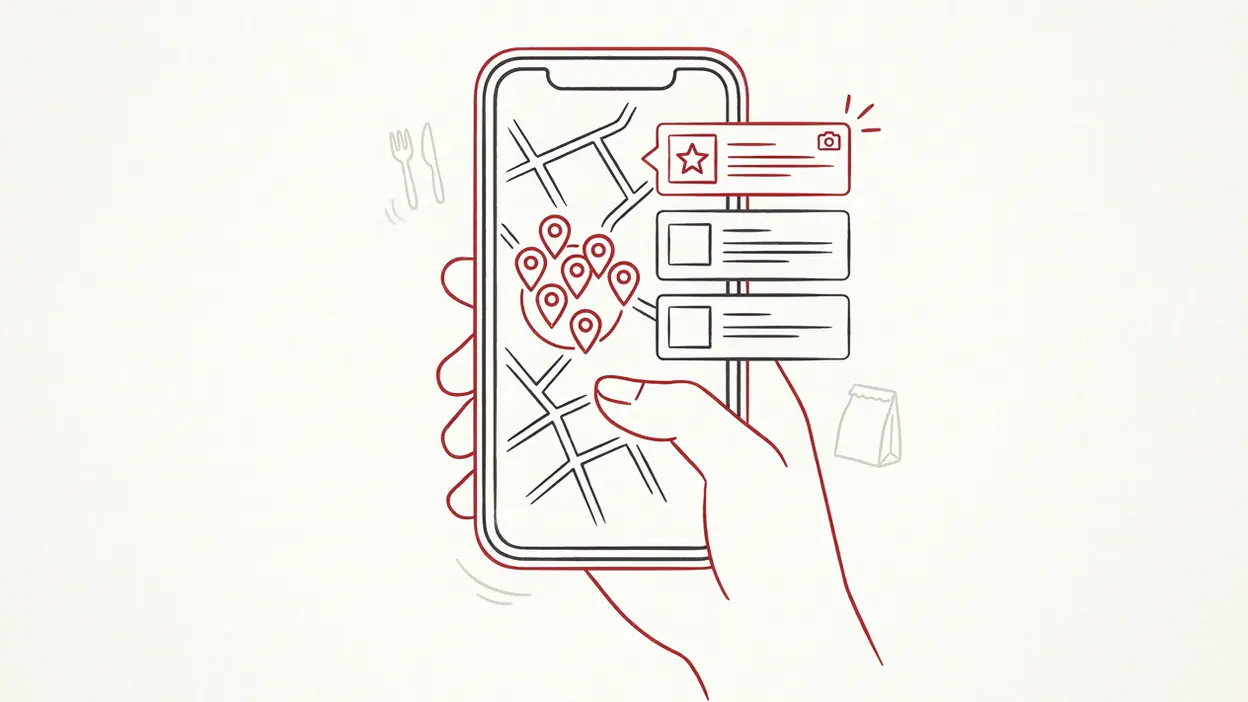
Then change the map view and check where the remaining candidates sit. A place that looks close in a list may be across a busy road, far from your destination, or inconvenient for the person joining you. The map is not just decoration; it is a quick reality check on travel and neighborhood. For a fast decision, this combination—filter first, verify the location second—is the most useful habit to build.
Settings worth changing first
Yelp’s available settings can vary by app version and region, but a short setup pass is worth doing. Check location permission and choose the level that fits your habits. If you prefer to search only when you open the app, limited or while-in-use access may be enough; automatic location can make nearby discovery more convenient. Review notification controls too. Keep alerts that support a real task, such as an order update or reservation reminder, and turn off promotional notifications if they add noise.
Worth Reading Next

Should You Switch to Google News? What Changes When You Leave Your Feed

Slither.io Turns Snake Survival Into a Shared Spectacle

LinkedIn Is Our App of the Week for Making Professional Connections Count

Stickman Party: Best for Couch Play, Less So for Solo Sessions

Parchisi STAR Online Gets the Board Right, but the Menus Need Work
More From Our News Desk
View All


Make sure your account details and contact information are current if you plan to book or order through Yelp. Check saved payment and delivery details before you need them, and confirm the address shown at checkout rather than relying on an old default. These are small, unglamorous checks, but they prevent the most annoying kind of failure: thinking an order or booking is handled when a missing detail has stalled it.
Finally, treat location and notifications as convenience choices, not mandatory setup steps. Yelp remains useful when you grant less access; some nearby or background conveniences may simply be reduced. The right configuration is the one that supports your actual routine without turning a restaurant finder into a source of constant alerts.
Build a better workflow
For an ordinary meal, search, filter, inspect the map, and read a handful of recent reviews. For a more important outing, make a shortlist instead of forcing yourself to decide on the first promising listing. Save a few candidates, then compare the practical details: distance, hours, price, service options, and review patterns. Collections and saved businesses can function as a lightweight planning board, especially for a trip or a neighborhood you visit infrequently.
Give saved places a purpose. A list of “work lunch,” “visitors,” or “weekend breakfast” is more useful than one giant pile of bookmarks. When plans change, you can return to a small set of relevant options instead of restarting the search. If you are coordinating with others, share a business or shortlist through the app’s available sharing controls, then confirm the final choice and any booking directly in the listing.
That workflow also keeps discovery separate from commitment. A saved restaurant is a candidate, not a reservation. A delivery listing is not proof that the restaurant is currently accepting orders. Check the live details before you leave or pay, particularly around holidays, late hours, and busy weekends.
Shortcuts that save time
Repeat the searches that match your routine rather than rebuilding them from scratch. A familiar cuisine plus a neighborhood and a price range can quickly get you back to the right kind of options; recent searches and saved places may help, depending on the current app version. When you already know a business name, search directly instead of browsing a category. Open the listing and use its available actions for directions, a call, a reservation, or an order.
Use photos as a targeted check, not a substitute for reviews. Menu images can reveal portion styles and dishes; customer photos may show the room, patio, or serving sizes more clearly than polished promotional shots. Pair what you see with recent written comments. A picture can be outdated, and one appealing dish does not tell you whether the place works for your group or schedule.
On a tight schedule, sort the decision into two passes: first eliminate places that fail a hard requirement, then compare the remaining few on quality and fit. That is quicker than opening every result and trying to remember which one had parking, a patio, or a short wait. Yelp does not need a hidden expert mode to feel faster; a consistent order of operations is the shortcut.
Feature combinations that matter
The app’s features become more valuable in combination. Search and filters find viable candidates; the map tests the geography; recent reviews reveal current patterns; photos add visual context; and saving keeps the best options available for later. Used together, these tools answer a more useful question than “What is rated highest?” They answer, “Which of these places is likely to work for this plan?”
Ordering and discovery also serve different purposes. Delivery and takeout tools can help you act on a choice, while reviews and business details help you decide whether to make it. Before placing an order, check the menu, fees, estimated timing, and delivery address shown at checkout. For an in-person meal, confirm hours and reservation details in the listing or with the business. Yelp brings the steps together, but the information still needs a final sense check.
Google Maps is often the quicker choice for a direct route or a broad sense of what is nearby. Yelp earns a place beside it when the decision depends on restaurant-specific context—what recent diners noticed, what the room looks like, or which service a business supports. They overlap, but they do not answer every question equally well.
Mistakes casual users make
The first mistake is treating the overall rating as a verdict. Read for repeated, relevant observations and pay attention to dates. A long-ago review may describe a former menu or management, while one angry post may be an outlier. The second mistake is letting a single glowing review carry too much weight. A cluster of consistent, recent reports is more informative than a dramatic anecdote.
Another common error is assuming that listings are live operational guarantees. Hours can change, availability can disappear, and a listed service may not suit the current moment. Confirm important details, especially before a long drive or a time-sensitive plan. And do not save everything that looks vaguely appealing. A small, organized shortlist is useful; an endless archive recreates the very scrolling you were trying to avoid.
Finally, remember that reviews are personal accounts, not controlled tests. Consider what the reviewer valued and whether it matches your priorities. Someone focused on speed may dislike a leisurely meal; someone seeking a quiet conversation may judge a lively room harshly. Context turns review reading from scorekeeping into useful judgment.
Who benefits most, and when Yelp becomes genuinely useful
Yelp rewards people who make local choices often: city residents trying new neighborhoods, travelers planning meals, families balancing different needs, and anyone organizing a group outing. It is especially handy when the decision has several constraints at once—budget, dietary preference, seating, distance, or service format. If you only need directions to a place you already chose, a map app may be enough. If you need to decide which place fits, Yelp gives you more material to work with.
Its value becomes most obvious when the cost of a bad guess is more than a minor inconvenience. That could mean choosing a restaurant for visitors, finding a reliable pickup option after a long day, or avoiding a long trip to a place that does not offer what you assumed. In those moments, a saved shortlist, recent feedback, and a final check of the listing can save time and reduce uncertainty. The app is less compelling as a passive feed than as a tool you consult with a concrete question.
There are limits. Review volume and accuracy vary by place, some businesses have sparse or dated information, and promotional surfaces can compete with the research you came to do. The interface can also tempt you into browsing longer than the decision deserves. A clear constraint—budget, location, or one essential feature—keeps the search focused. Use the reviews as evidence, not as a substitute for your own priorities.
The recommendation
Yelp: Food, Delivery & Reviews is worth keeping if you want more than a nearby pin on a map. Its best version is a deliberate sequence: define the need, filter the field, check the geography, compare recent patterns, save a short list, and verify the details before acting. That approach makes Yelp noticeably faster and more useful without requiring you to trust every rating or spend your evening reading every comment.
My recommendation is straightforward: install it for the decisions where local detail matters, and build a small habit around filters, maps, recent reviews, and purposeful saves. Use another tool when you only need a route; return to Yelp when you need to judge whether a place fits. It is not an oracle for dining, but in practiced hands it is a strong, practical guide to eating out, ordering in, and making a better-informed choice.