Gmail Makes Being Reachable Feel Like the Default

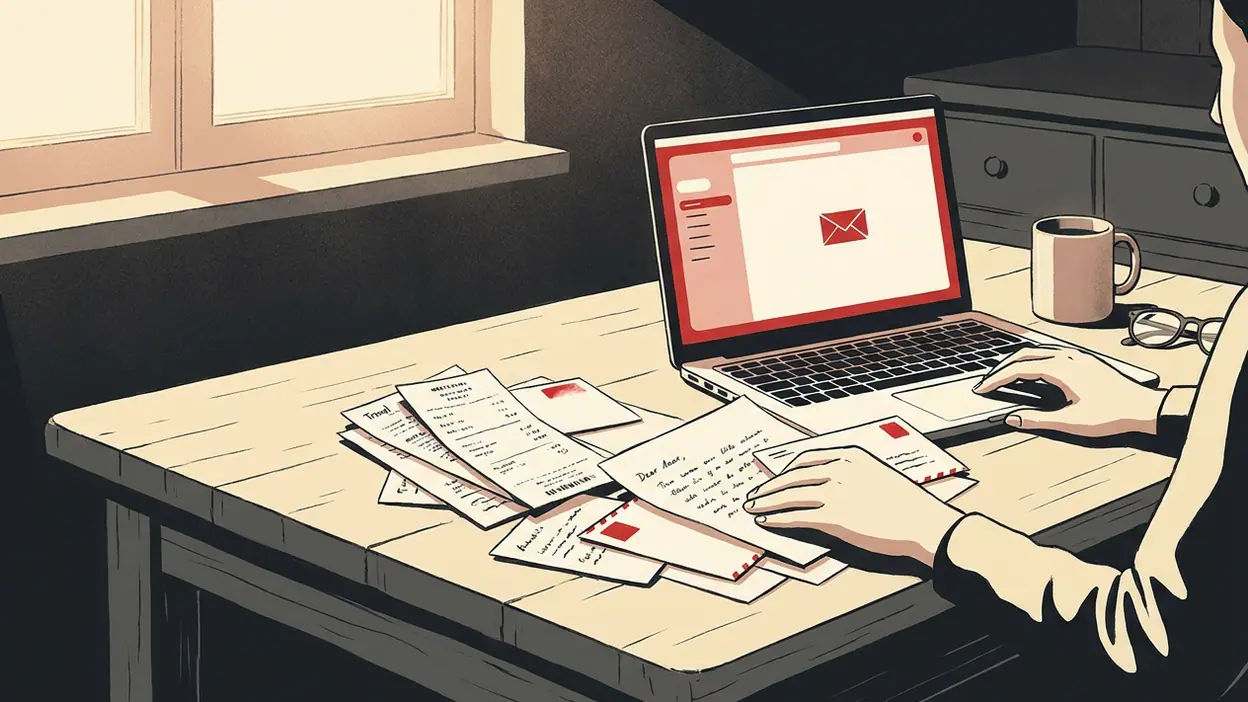
Most people do not open Gmail because they want to experience email. They open it because something in life is waiting there: a work request, a school notice, a flight receipt, a password reset, a message from someone who still prefers a proper note. That mix is the point. Gmail has become a pocket-sized lobby for modern obligations, and its real achievement is making the many roles we play feel manageable in one place. Its quiet cost is that it makes being reachable feel like the natural state of being.
Using Gmail on a phone means encountering that bargain in small, familiar gestures. The red-and-white envelope sits among the apps we check without ceremony. A glance at the inbox becomes a scan of the day: a colleague has replied, a package is moving, a bill needs attention. The app rarely demands that we admire it. It asks us to keep going, and that is precisely why it has settled so deeply into daily life.

See More Apps Related to Gmail


The inbox as a portrait of now
Email once carried a faint promise of deliberation. You sat down, wrote a message, and waited. On mobile, the inbox has been folded into the same stream as weather, maps, banking, and entertainment. Gmail reflects that shift without pretending every message is equally meaningful. Promotions, social updates, and primary mail are separated into tabs; search can reach back through years of receipts and conversations. The inbox is less a correspondence folder than a searchable record of everything that has asked for our attention.
That makes the app a useful portrait of how people live through phones. A single account can contain a job application, a lease, a birthday invitation, a concert ticket, and a note from a parent. These are not neat categories of personal and professional life. They overlap because the person carrying the phone has to handle all of them in the same afternoon. Gmail does not resolve that collision. It gives it a familiar interface and a set of tools for finding the message that matters now.
The design’s most revealing feature may be its search box. Search is not an emergency exit from bad organization; for many users, it is the organization. We remember fragments: a sender, a phrase, a month, a subject line. Gmail turns those scraps into a practical filing system. This is convenient, but it also shifts the burden from deciding where information belongs to trusting that it can be found later.
The behavior it makes ordinary
Gmail normalizes checking before there is a clear reason to check. The inbox count, the arrival of a notification, or a spare moment in a queue can trigger the same reflex. Most messages do not require immediate action, yet the phone makes their presence feel current. In a test of ordinary use, that is the app’s strongest habit-forming quality: not a dramatic feature, but the low-friction path from curiosity to inbox.
It also makes brief replies feel like a complete form of communication. Suggested replies and smart compose can help with routine exchanges, while the mobile keyboard makes a short answer easy to send from almost anywhere. A quick “Thanks” may be all a situation needs. But the same convenience can flatten tone and encourage people to treat every conversation as a task to clear. The app supports thoughtful writing, yet its speed often favors closure over reflection.
Worth Reading Next
Zoom Workplace Wants to Own Your Whole Workday, Not Just Your Meetings

My Talking Tom’s Daily Ritual: Can a Viral Pet Loop Last?

Piano Music Go Turns Quick Breaks Into a Test of Rhythm and Precision
How to Use Yelp to Find Better Places With Less Scrolling
Temu Turns Bargain Hunting Into a Daily Habit
More From Our News Desk
View All


Notifications sharpen this tension. Gmail lets users manage alerts and decide which accounts or categories should interrupt them, but the default idea of email remains an arrival that deserves a signal. The practical choice is not simply whether to use email; it is how much of the day to let incoming messages shape. Gmail provides controls, though it cannot make the social expectation of a fast reply disappear.
Convenience as a quiet status signal
Gmail’s convenience is partly social. An address on the service is widely recognized, easy to share, and likely to work with the tools another person already uses. That ubiquity can look unremarkable, but it is a form of infrastructure status: no explanation is required before sending a calendar invitation, document link, or receipt. The app’s familiarity lowers the small social costs that can make digital coordination tiring.
Its account switching also reflects the way identity is divided across work, family, and personal errands. Moving between accounts is straightforward, and that helps a phone serve as both office and household clipboard. It is useful to see separate inboxes without carrying separate devices. Still, the boundary is mostly a tap away. The same object that lets someone check a personal delivery notice during a work break can bring a late work message into dinner.
Compared with Google Wallet, which is built around the decisive moment of paying or presenting a pass, Gmail has a more continuous relationship with the user. Wallet appears when a transaction calls for it. Gmail sits in reserve, waiting for whatever obligation arrives next. That difference explains why email can feel less like a tool we choose to use and more like a background condition of modern participation.
How it becomes a daily ritual
The ritual is rarely grand. People check Gmail while coffee brews, during a commute, between meetings, or just before going to sleep. They may archive a confirmation, flag a message for later, and return to the same screen hours afterward. These actions are small enough to disappear into the day, but they give the app a dependable rhythm. Gmail is not usually the destination of a phone session; it is the checkpoint between other parts of life.
That rhythm has been helped by practical details: threaded conversations keep replies together, labels offer a flexible alternative to rigid folders, and attachment handling makes it possible to deal with documents without moving to a computer. The interface’s familiar controls reduce the effort of routine decisions. Archive, delete, reply, and search are close at hand. When the app works well, it does not make email exciting; it makes the next necessary action obvious.
There is a downside to this competence. A task that can be completed in ten seconds can follow us everywhere. The phone removes the old boundary of sitting at a desk, and Gmail’s speed can make a message feel answerable simply because answering is possible. The app does not invent the expectation, but it gives that expectation a convenient place to land.
Why it stays close, and what feels uneasy
People keep Gmail close because it holds practical memory. Search can retrieve an address, a booking code, an old promise, or the exact wording of a conversation. That archive becomes more valuable over time, which makes switching feel less like changing an app and more like moving part of one’s administrative life. Reliability is not glamorous, but it is the foundation of the attachment. The inbox is where modern life leaves its paper trail.
Gmail’s design mirrors a culture that wants both order and abundance. Tabs and filters promise a calmer view; search promises that nothing need be permanently lost. The app offers ways to reduce clutter, but its larger premise is that more messages can be absorbed if they can be sorted, hidden, or retrieved. This is a persuasive interface, not a cure for overload. A cleaner inbox can make the volume feel controlled without changing how much attention it consumes.
There is also an uneasy intimacy in keeping so much of life in one account. Messages can contain sensitive work details, family plans, travel records, financial notices, and personal history. Gmail makes that concentration useful, while reminding us that convenience depends on trusting a service with an unusually broad record of ordinary life. The app’s polish can make this arrangement feel natural. It is worth remembering that ease and exposure can occupy the same screen.
Rivals borrow the broader pattern even when they do not reproduce email itself: one account, a compact dashboard, useful notifications, and a searchable trail of activity. Google Home gathers control of domestic devices into a phone interface; Google Play Books & Audiobooks makes a library travel with its reader; Google Wallet turns a pocket into a place for passes and payment. Each serves a different ritual, but all depend on the same mobile promise: carry less, remember more, and let the phone handle the handoff. Gmail is an older and more demanding version of that promise because its contents arrive from other people, not just from services we choose to use.
A pocket-sized obligation
What feels most revealing about Gmail is how little it needs to persuade us to return. It is woven into the systems that already organize work, shopping, travel, school, and personal contact. Its best qualities are concrete: dependable search, useful account separation, fast handling of everyday messages, and an interface that rarely gets between a person and a task. Its weakness is equally concrete: the same ease that helps us keep life in order can make constant availability seem harmless.
Gmail is not merely where messages arrive; it is where modern life files its requests. That makes it indispensable for many people and difficult to experience as a neutral tool. The app reflects a culture that values access, speed, and a durable record, while quietly asking us to accept a steady stream of claims on our attention. I would keep it close because it makes an untidy digital life workable. I would also treat its notifications as invitations, not instructions. That small distinction is the user’s best defense against letting the inbox set the tempo of everything else.