Zedge Still Personalizes Your Phone, but Android and iOS Set the Limits

A wallpaper takes seconds to change; a ringtone can make a phone feel like yours every time it rings. The harder part is making those choices work smoothly across a phone that increasingly protects its settings, limits background access, and treats personalization differently on Android and iOS. Zedge™ Wallpapers & Ringtones remains a deep catalog for changing a device’s look and sound, but its value now depends less on sheer variety than on how much control your operating system lets you exercise.
That is the shift worth paying attention to. Zedge has not become a new kind of app so much as a familiar one operating inside newer rules. Android still gives users more room to replace system sounds and adjust the home screen, while iOS keeps those changes more carefully contained. The app can help you discover an image or sound on either platform, but the final step is not equally direct. That difference shapes the whole experience.

Zedge™ Wallpapers & Ringtones
Zedge4.7Personalization
See More Apps Related to Zedge™ Wallpapers & Ringtones


What the platform changes give Zedge
Modern operating systems have made the phone’s appearance more adaptable in some ways and more guarded in others. Android’s current personalization tools can coordinate wallpaper, color accents, and parts of the interface, depending on the device maker and Android version. Zedge’s catalog fits naturally into that habit: pick an image, set it as a background, then let the system’s own controls handle the surrounding look.
The gain is not that Zedge controls more of Android. It is that its content can feed a broader set of user choices. A strong wallpaper can now feel less like a single picture pasted behind icons and more like the starting point for a coordinated screen. The result varies by launcher and manufacturer, so expectations should stay grounded: Zedge supplies the asset; Android and the device decide how far the theme travels.
On iOS, the system has added more ways to personalize the Lock Screen, including widget layouts and visual treatments, but Apple still draws a firm line around system-level changes. Zedge can provide images and audio, yet it cannot turn an iPhone into an open-ended theme canvas. That boundary is not a flaw unique to Zedge. It is the shape of Apple’s platform, and it defines what the app can realistically deliver.
What users notice first
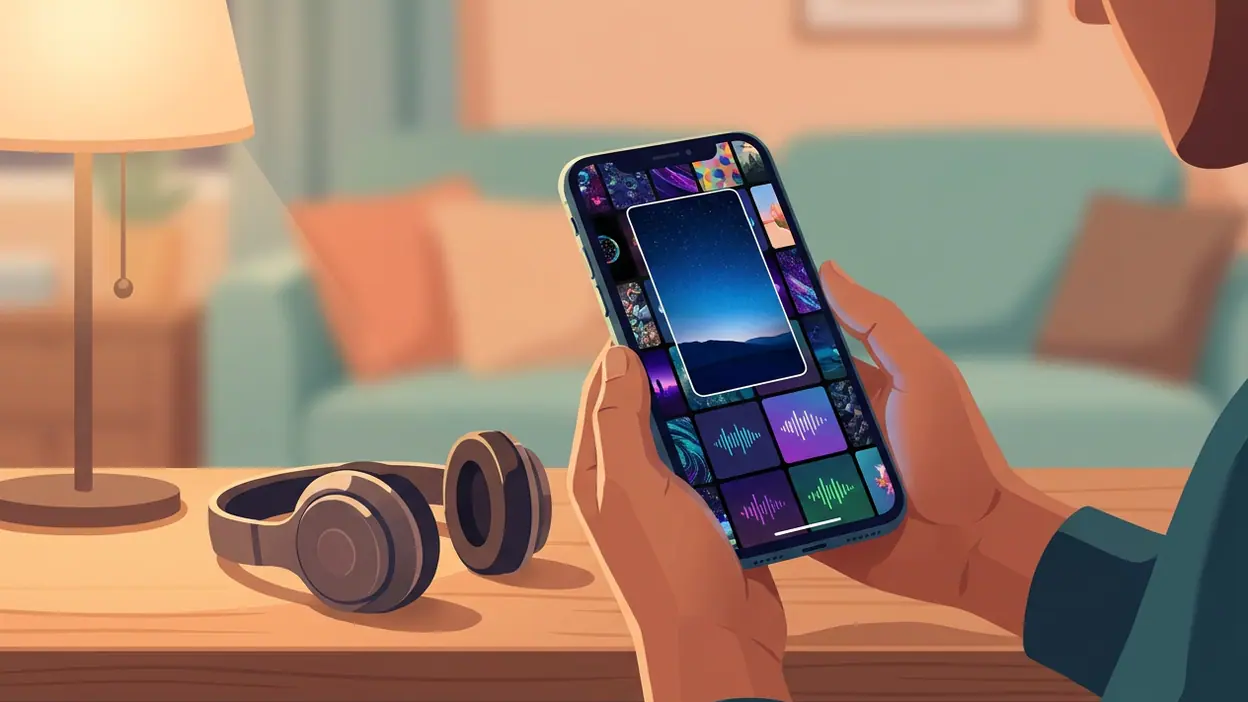
The first impression is abundance. Zedge is built around browsing: wallpapers and sounds are grouped into a large, changing library, giving users a reason to keep searching after they have found one usable option. The appeal is strongest when you arrive with a mood rather than a precise file in mind. You might want a darker lock screen, a calmer image, or a notification sound that does not resemble every default alert in the room.
That freedom comes with a familiar catalog problem. A wide selection is only helpful if browsing does not become work. Results can feel uneven in style and polish, and users may need to sift through several near-matches before finding one that looks right on their display. Screen proportions matter, too: an image that looks striking in a preview may crop awkwardly once it is applied. I would treat the preview as a useful clue, not a guarantee.
Worth Reading Next
Should You Switch to Google News? What Changes When You Leave Your Feed

Slither.io Turns Snake Survival Into a Shared Spectacle

LinkedIn Is Our App of the Week for Making Professional Connections Count
Stickman Party: Best for Couch Play, Less So for Solo Sessions

Parchisi STAR Online Gets the Board Right, but the Menus Need Work
More From Our News Desk
View All


The app’s most practical strength is that it puts visual and audio customization in one destination. You can change the image that greets you and look for a sound that gives calls or alerts a little more character. But the two tasks do not always finish in the same way. Wallpapers are usually straightforward to save or apply, while ringtones and notification sounds can require extra steps, especially on iOS.
The daily experience: useful, then occasional
Zedge is not necessarily an app you open every morning. Its stickiness comes from periodic refreshes: a new phone, a seasonal change, a wallpaper that has grown stale, or the moment you realize your ringtone is indistinguishable from everyone else’s. After that burst of setup, the app may sit untouched for weeks. That is not a failure; personalization is often a small, satisfying task rather than a daily routine.
Android users are more likely to get the complete version of that routine. A downloaded image can be set as a home or lock screen background, and supported devices make it easier to choose custom audio for calls and alerts. Android’s permission model and settings screens still vary, and a manufacturer may add its own steps, but the path is generally more flexible than on iPhone. The day-to-day payoff is simple: a few minutes of setup can make a device feel less interchangeable.
iPhone users can still use Zedge to find wallpapers and sounds, but applying them is more constrained. Wallpaper setup is familiar, while custom ringtones may involve exporting or importing audio through Apple’s supported workflows rather than tapping once and replacing a system default. iOS changes have improved how people arrange and personalize their screens, but they have not erased that distinction. If your main reason for installing Zedge is custom ringtone control, check the current iOS process before expecting an effortless result.
Permissions and background behavior matter here as well. Recent Android releases have made access more explicit, while iOS continues to limit what apps can do outside their own space. Those protections benefit users, but they can interrupt a task that once felt automatic. Zedge’s usefulness depends on clear handoffs: save the asset, grant only the necessary access, then finish the change in the operating system’s own controls.
Where the ecosystem helps, and where it pushes back
Android’s strength is reach. It gives Zedge a more natural route from discovery to use, particularly for audio customization, and it supports a wider range of device habits. The trade-off is fragmentation. A setting may move between Android versions or appear under a manufacturer’s own menu, so instructions that work on one phone can leave another user searching. Zedge can simplify finding the content, but it cannot make every Android phone behave alike.
Apple’s strength is consistency. iPhone users encounter a more uniform interface and a clearer boundary between what an app can change and what belongs to the system. That makes the limits easier to understand, even when they are frustrating. On iOS, Zedge works best as a source of attractive media rather than a full device-theming toolkit. Anyone expecting Android-style control may come away disappointed unless they adjust that expectation first.
There is also a tension between catalog scale and attention. Free personalization libraries often rely on advertising or paid options, and the more time users spend browsing, the more interruptions they may encounter. The precise mix can change with app updates and region, but the editorial point does not: Zedge asks users to trade some patience for choice. If you only want one clean wallpaper, a focused search may be faster than exploring the whole collection.
How other apps adapt to the same platform reality
Apps such as MyChart, DIKIDI Online, PB&J TV Family, and Google Wallet solve very different problems, but they all live within operating-system rules that shape permissions, notifications, and access to device features. Their relevance here is contrast, not competition. A medical app or payment wallet is judged by reliable task completion; Zedge is judged by whether discovery turns into a visible, personal change. The same system safeguards apply, but the cost of friction feels different.
For Zedge, a blocked or confusing handoff does not threaten a critical transaction, yet it can drain the fun from a small creative choice. That makes explanation part of the product experience. Users need to know whether a file has merely been saved, whether it has been applied, and what step remains in system settings. As mobile platforms put more distance between apps and sensitive controls, the best personalization tools will be the ones that make that boundary legible.
What Zedge says about mobile’s next direction
Phones are becoming more personal in appearance while becoming more controlled in operation. That sounds contradictory, but the division is clear: operating systems increasingly offer curated ways to adjust screens, colors, and widgets, while keeping deeper system changes behind explicit settings or unavailable altogether. Zedge fits this future when it supplies good raw material for platform features. It struggles when users expect the app itself to override the platform.
This is why an update to Zedge matters less as a list of new catalog items than as a test of how well the app handles the final mile. Does it explain what a download can do? Does it distinguish saving from applying? Does it help a user understand platform-specific steps without pretending Android and iOS are the same? Those details determine whether a huge library feels like a useful toolkit or simply a warehouse.
The next thing to watch is not just whether the collection grows. It is whether setup becomes clearer as Android and iOS revise permissions, screen customization, and audio controls. Better previews would help users judge cropping before they commit. More explicit device-specific instructions could reduce the gap between finding a sound and actually using it. And thoughtful curation would make browsing feel less like sorting through an endless shelf.
Zedge™ Wallpapers & Ringtones makes the most sense for people who enjoy refreshing their phone’s look, want a broad source of wallpaper ideas, or are comfortable working through Android’s settings to personalize sound as well as screen. It is a weaker fit for someone who expects one-tap system control on every device, especially on iPhone, or who wants a tiny, tightly edited collection with no browsing overhead.
My verdict is that Zedge remains useful because the desire it serves has not gone away: people want their phones to feel like theirs. But modern mobile software has changed what that promise means. On Android, Zedge can still lead to a notably personal device, with a little patience for differences between manufacturers. On iOS, it is a capable discovery stop whose results meet Apple’s boundaries at the final step. The app is worth having if you value choice; just judge it by the customization your platform actually permits, not by the size of the catalog alone.