Grand Theft Auto: San Andreas
Rockstar Games Action

- 75.36K Reviews
- 4.3
- Version
- 2.11.264
- Installs
- 5.00M
Screenshots

- Key strengths of the app—features, ease of use, or overall experience.
- Immersive open-world gameplay
- Engaging storyline with memorable characters
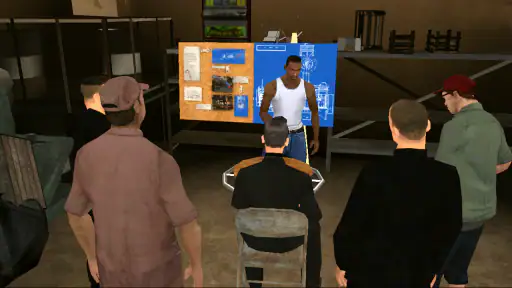
- Wide variety of missions and side quests
- Customizable controls and settings
- High replay value with endless activities
- Possible downsides—like bugs, missing features, or performance issues.
- Occasional bugs and glitches
- Controls can be challenging on touchscreens
- Large file size may affect storage
- Some outdated graphics and animations
- In-app purchases for additional content
Ah, Grand Theft Auto: San Andreas! If you're anything like me, you probably spent countless hours cruising the streets of Los Santos, engaging in high-speed chases, and trying to earn respect in the virtual hood. Now, the classic that we all know and love is available on your mobile device, and it’s like a blast from the past, minus all the loading screens of the early 2000s.
Welcome Back to Los Santos
Firing up the mobile version of San Andreas is like a nostalgic trip down memory lane. The game stays true to its roots, offering the same sprawling open-world environment that made it a legend. We're talking about the full package here: the storyline, the characters, and all the chaos that comes with it.
Graphics and Controls
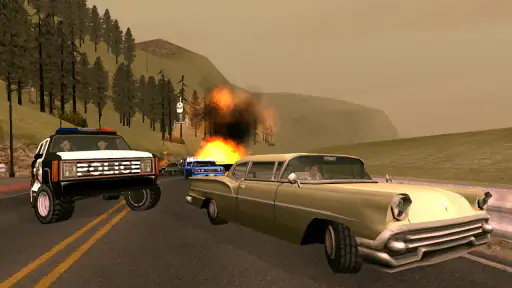
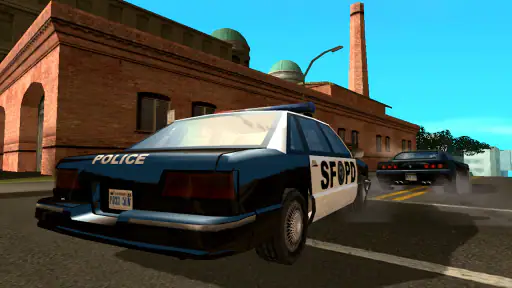
Alright, let's talk about the visuals. The graphics have been given a nice little polish for mobile devices. The textures are sharper, and the colors are more vibrant, which is a welcome upgrade from the original. However, don’t expect next-gen graphics here; it’s more like a nice facelift.
Now, controls on mobile can be a bit tricky. It’s not quite the same as having a joystick in your hands, but the developers did a commendable job with touchscreen controls. They’re intuitive enough once you get the hang of them, though I must admit, driving can be a bit of a challenge at first. If you’re like me, you might want to invest in a compatible controller for the full experience.
Gameplay and Features
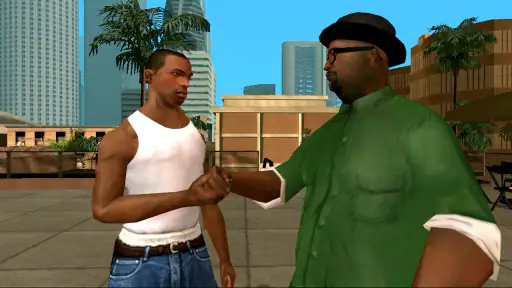
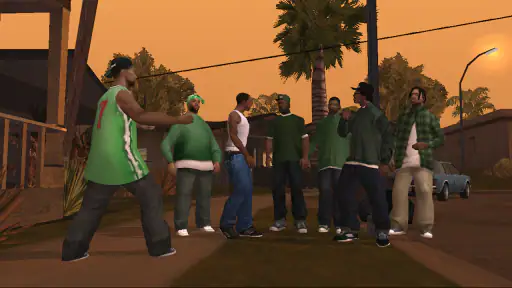
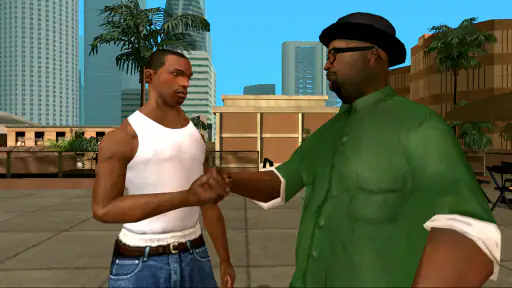
The core of the game is as engaging as ever. You step into the shoes of Carl "CJ" Johnson, who’s back in town to unravel the mystery behind his mother’s murder. The storyline pulls you in, and before you know it, you’re knee-deep in gang warfare, corrupt cops, and a whole lot of chaos.
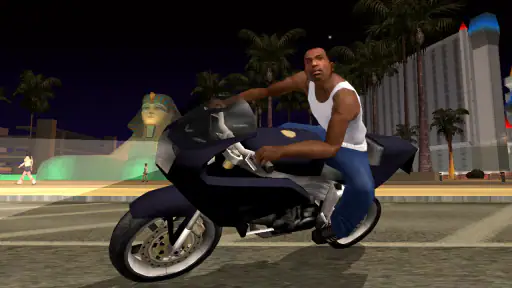
One of the game's standout features is its sheer freedom. Whether it’s customizing your ride, hitting the gym to bulk up, or just causing mayhem, there’s no shortage of things to do. And let’s not forget about the radio stations! Flipping through them while driving around is sure to bring back some memories.
What’s New?
This mobile version isn’t just a simple port. There are some new additions, including cloud save support, which lets you continue your game across different devices. Handy, right? Plus, the game comes with customizable controls and support for various languages, making it accessible to a broader audience.
Final Thoughts
In conclusion, Grand Theft Auto: San Andreas on mobile is like revisiting an old friend. It’s familiar yet refreshing, and while it comes with some quirks—like those pesky on-screen controls—the overall experience is worth diving into. Whether you’re a long-time fan or a newcomer to the series, this game offers a slice of nostalgia with a modern twist. So, buckle up, because Los Santos is waiting for you!